

Already Bought Security Cameras? Here's What It Takes to Install Them Right
Already own Ring, Reolink, Lorex or Night Owl cameras? See what professional installation involves and what affects the cost in Milwaukee.
About our links: RedBird does not receive commissions or compensation from links in our blog articles. External links are shared for reference and convenience.
Already have the equipment? Plan the installation.
Share the exact models, intended camera locations and the result you need. RedBird can review customer-supplied equipment before confirming the work. Explore security camera installation and repair.
Installation quoteBuying the cameras is only one part of the job. A reliable installation still depends on compatible equipment, practical cable routes, secure mounting, network access, recording setup, and a clear test before the technician leaves.
Yes, RedBird can install security cameras that a homeowner or business already purchased. The important word is can: the exact models, power requirements, recorder, wiring, subscription terms, and property all need to be reviewed before anyone promises that the system will work the way you expect.
Can a professional install cameras you already bought?
A professional installer does not need to sell you the cameras in order to install them. RedBird works with customer-supplied equipment for homes and businesses across the Milwaukee area. That can include a new boxed system, a few additional cameras for an existing recorder, or equipment that was mounted but never configured correctly.
The first step is not drilling holes. It is confirming exactly what you own and what you expect it to do. Two products from the same brand may use different power, cabling, storage, app, or subscription requirements. A camera that works by itself may not work with an older DVR or NVR. A wireless camera may still need power at the mounting location. Those details change the installation plan.
Model numbers matter more than the logo on the box. Share the camera and recorder model numbers before scheduling so compatibility questions can be addressed early.
What professional security camera installation includes
A useful installation starts with the views you need, not the number of cameras in the box. An entrance may need a close view of a face, while a driveway or loading area needs a wider view of movement. Height, distance, lighting, weather exposure, and the path back to power or a recorder shape where each camera belongs.
Confirm the models, intended views, mounting surfaces, cable routes, recorder location, internet connection, and access needed for the work.
Secure the cameras, route or reuse appropriate cabling, protect exterior connections, and connect the power, network, or recorder required by the system.
Set up the recorder or app functions included in the scope, then confirm that authorized users can reach the views and recordings they need.
Check each agreed view, connection, recording function, and relevant remote-access feature before the technician leaves.
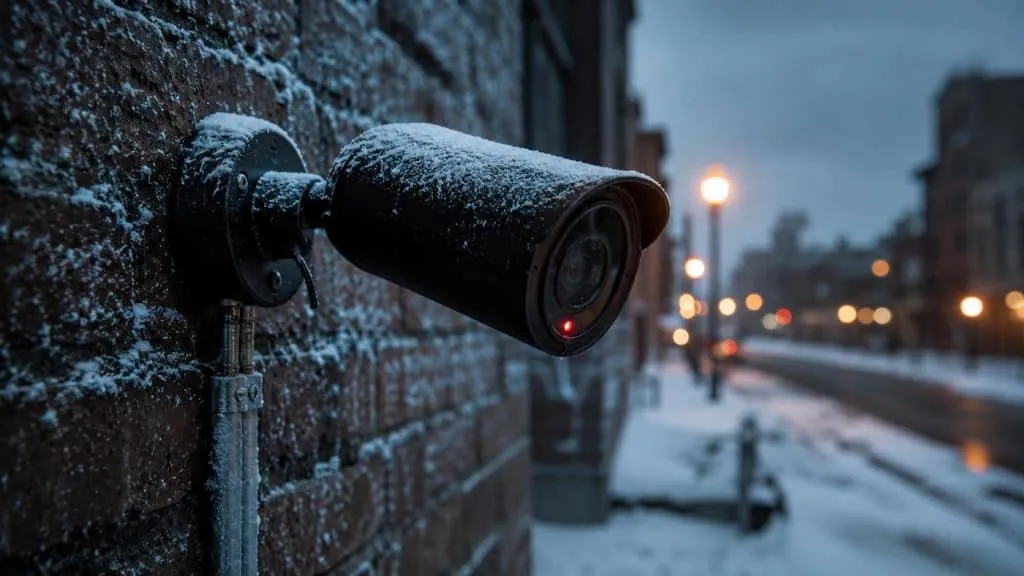
For a closer look at cold-weather equipment choices, read why store-bought cameras can struggle in Wisconsin winters. If you are still deciding what to buy, it is usually easier to review the property first than to force an unsuitable kit to fit afterward.
What affects the cost of installing customer-supplied cameras?
There is no responsible flat price for every camera. One doorbell on an existing connection is different from six exterior cameras that need new cable runs through a finished home. A small storefront with an accessible ceiling is different from a multi-story building with masonry walls and occupied work areas.
| Cost factor | What the installer needs to learn | Why it changes the work |
|---|---|---|
| Camera count and location | How many views, how high, and on which surfaces | More locations and difficult access require more installation time |
| Power and cabling | PoE, low voltage, plug-in power, battery, or existing wire | New routes, repairs, and exterior protection change the scope |
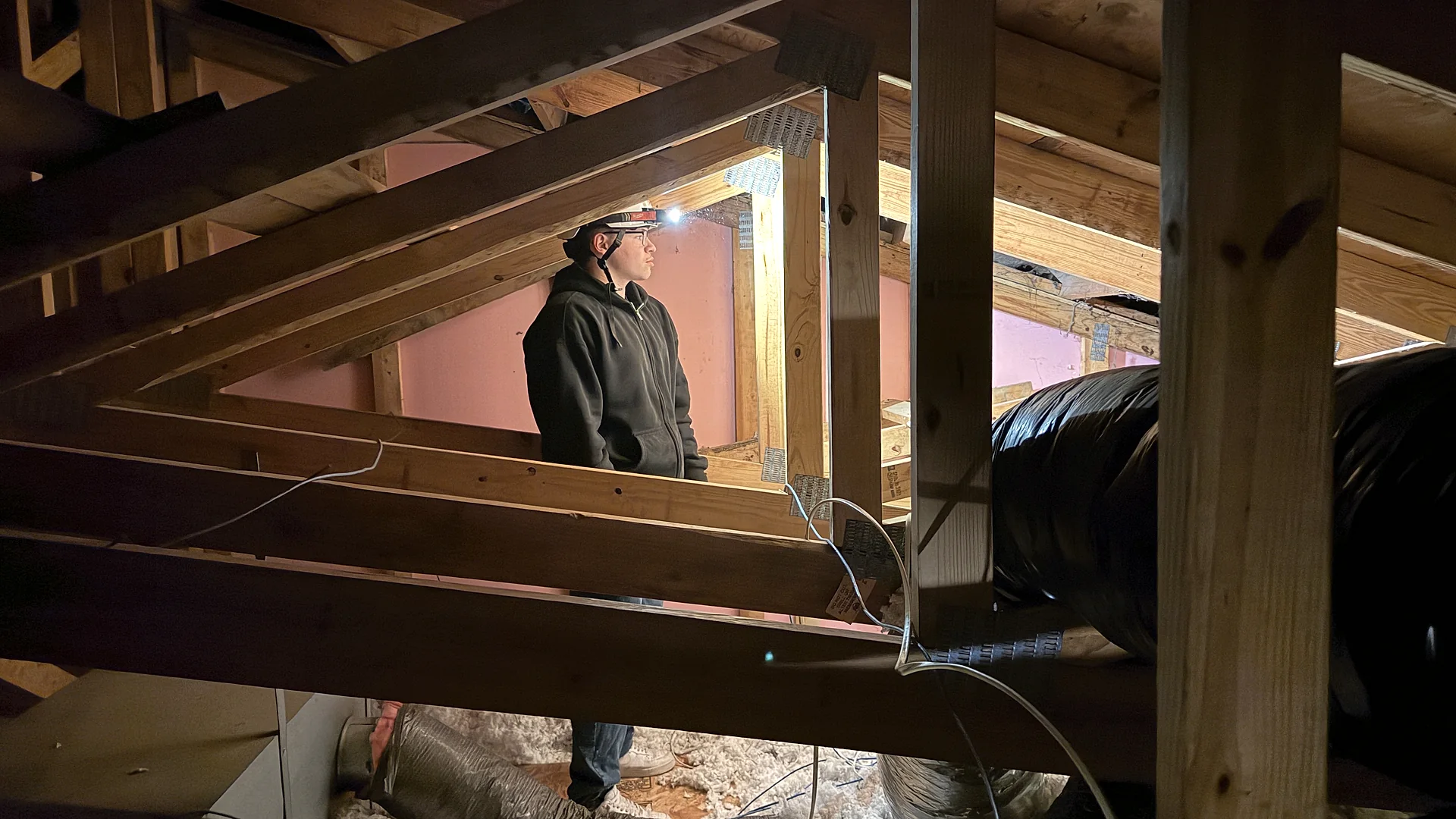
| Building construction | Attic or ceiling access, masonry, finished walls, and occupied areas | The safest practical route may require different labor and materials |
| Recorder and storage | Existing DVR or NVR, drive capacity, recording settings, and compatibility | Reuse may be possible, but it must be confirmed rather than assumed |
| Network and accounts | Internet access, Wi-Fi coverage, app ownership, and administrator access | Setup can stop when the right account or connection is unavailable |
A free conversation or property walkthrough gives RedBird enough information to explain the likely work and prepare a quote. If the equipment has not arrived yet, photos or links to the exact models can help. If it is already installed, describe what works, what does not, and whether you can access the current recorder or app.
What an installer needs to know about your equipment
People often search for a Ring installer, Reolink camera installation, a Lorex installer, or help replacing a Night Owl DVR. Those brand names are a useful starting point, but they do not define the whole job. The installer still needs the model number of every camera, the recorder model when one is involved, and any accessories that came with the system.
Bring the exact model information
A product page, receipt, photo of the model label, or the original box can identify the camera, recorder, power supply, and required accessories.
Keep account access with the owner
The homeowner or business should control the email address, subscription, and administrator account. Do not send passwords through a website form.
Confirm what was included
Open-box and secondhand systems may be missing power supplies, mounting plates, reset information, or compatible cables. Identify gaps before the appointment.
Describe the result you expect
Live viewing, recorded playback, alerts, shared access, and local storage are different needs. Features depend on the equipment and plan you purchased.
RedBird reviews customer-supplied equipment before confirming the work. An installation quote is not a promise that unsupported, locked, damaged, or incompatible products can be made to work together.
What if the cameras are already installed or the recorder failed?
An existing system deserves diagnosis before replacement. A dark camera view can come from the camera, cable, power, recorder, network, or configuration. Replacing the camera first may waste money if the problem is somewhere else. The same logic applies to a failed DVR or NVR: the replacement must match the camera technology, connections, resolution, storage needs, and access method.
RedBird can assess systems installed by another provider. That may lead to a repair, a recorder replacement, a partial upgrade, or a recommendation to stop investing in equipment that no longer meets the need. For business properties, see RedBird's guide to commercial camera placement and its commercial security camera installation and repair service.
“I had cameras installed. Danny, the lead tech, was very friendly, mannerable, and did an excellent job. Mario was also on the site and very pleasant to deal with. I am really satisfied with the work they completed and would recommend them to anyone.”Wanda Harris · 5-star Google review · Minor punctuation corrections
Ask separate warranty questions about the equipment and the installation
Hardware coverage and installation coverage are not the same thing. Customer-supplied cameras remain subject to the manufacturer's terms, retailer policies, subscription rules, and any limitations tied to the specific product. RedBird offers a limited lifetime installation warranty on new security camera installations. Ask for the written coverage and exclusions for your project; customer-supplied equipment and manufacturer warranties can differ.
Before agreeing to the work, ask who handles a defective camera, what happens if the equipment cannot be activated, which materials are included, and how future service is billed. Clear responsibilities prevent a hardware problem from becoming an argument about installation work.
How to prepare for a security camera installation estimate
Gather the exact model numbers, camera count, recorder information, and a short description of the areas you want to see. Take photos of the proposed camera locations and the place where the recorder or internet equipment sits. Mention finished walls, masonry, detached garages, high mounting points, or areas with limited access.
For an existing system, include the current symptoms and when the problem started. If another company installed it, share any documentation you have. Keep passwords private, but confirm that the owner can access the email account and app used by the system. These details help the first conversation focus on the real work instead of guessing.
Wisconsin camera placement and audio questions also deserve attention before installation. RedBird's guide to Wisconsin security camera law explains the practical questions to raise, but it is general information rather than legal advice.
Already have the cameras? Let’s review the installation.
Tell us what you bought, where you want it installed, and what the finished system needs to do. The initial conversation and quote are free, with no obligation.
Request an installation quoteOr call us directly: (262) 475-2615 · Hablamos Español